 VRAI Defense
From install to first alert in an afternoon.
VRAI Defense runs on one computer at your site. Cameras stream to it, the AI looks at what they see, and the people you choose hear about it within seconds.
Install it on a computer at your site
Download the installer for Windows or Linux and run it. It sets up everything it needs, downloads the AI engine (about 4 GB) and shows your administrator login when it finishes. Plan for 30–60 minutes, most of it the download.
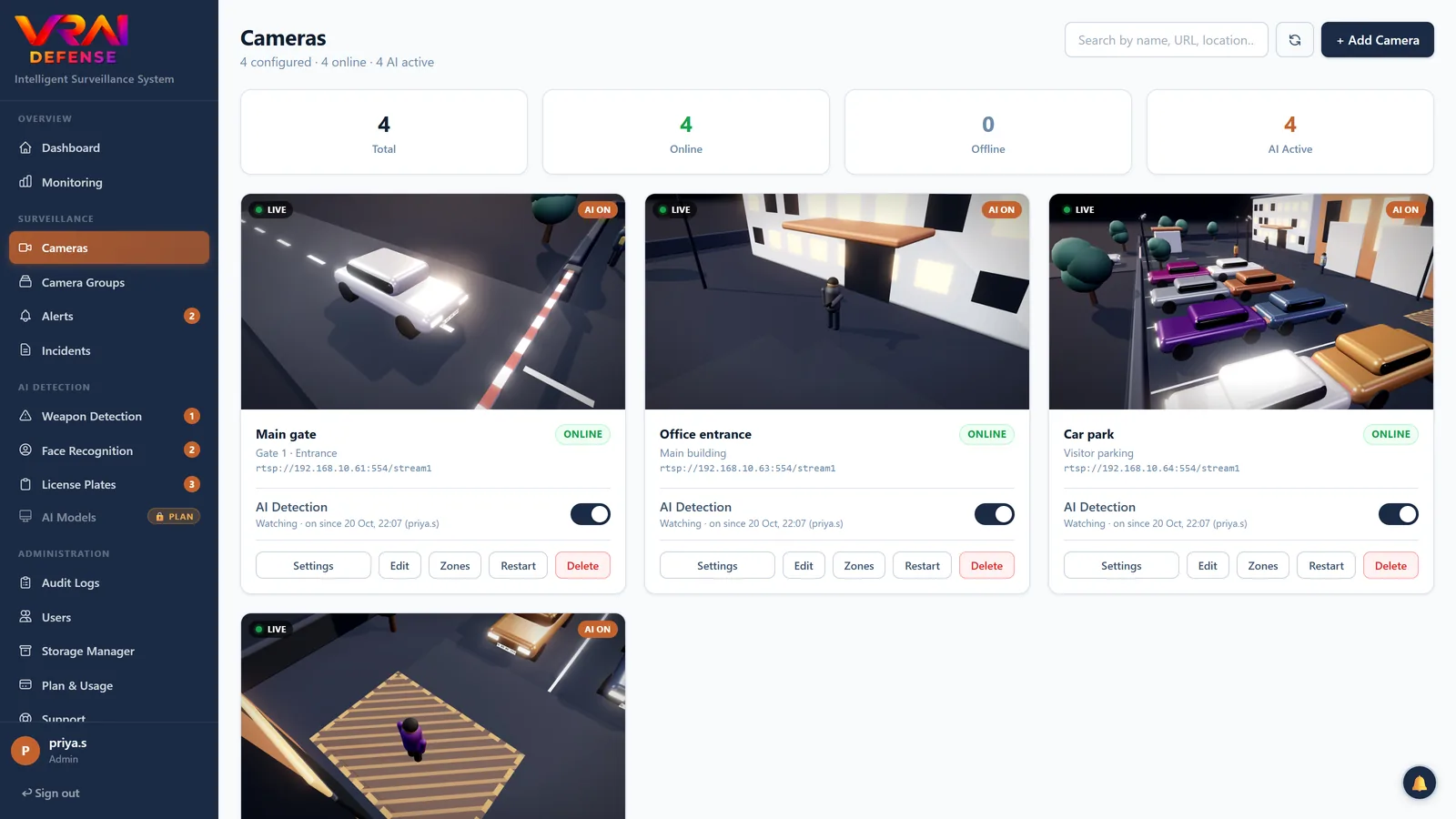
Connect your cameras
Press Scan for Cameras and it searches your network for ONVIF cameras, or paste a camera's RTSP address. USB webcams and drones streaming over RTMP work too.
Choose what matters on each camera
Switch on weapons, people, vehicles, plates or faces; draw zones and lines; set how sure the AI must be and how often it looks. Sensible defaults are already in place.
Get alerts where you are
Each person links Telegram by scanning a code, adds an email, and picks how serious an alert must be to reach them. Alerts carry the snapshot with the box drawn, and a short clip.
Review, and act
Mark alerts Real or False alarm, group related ones into an incident and note what was done. Evidence is hashed into a chain, so you can show it was not altered.
Everything happens inside your building.
The only things that leave are the alerts you ask for and a licence check. Video is never uploaded.
The computer to run it on.
Each plan has its own recommended computer. What sets its size is how many cameras, and which detections are on: weapons and number plates are the heaviest. An NVIDIA graphics card makes the biggest difference.
| Plan | Cameras | Processor | Memory | Graphics (NVIDIA) | Storage | How often it looks |
|---|---|---|---|---|---|---|
| Free trial | 1 | 8 cores, 16 threads | 16 GB | Not needed | 256 GB SSD | About twice a second (no weapon detection in the trial) |
| Starter | 2 | 6 cores, 12 threads (Ryzen 5 7600 / Intel Core i5 12th gen or newer) | 16 GB | 8 GB — RTX 4060 or RTX 3060 | 512 GB SSD | About 5× a second per camera |
| Professional and Professional perpetual | 10 | 8 cores, 16 threads (Ryzen 7 7700 / Intel Core i7 12th gen or newer) | 32 GB | 16 GB — RTX 4060 Ti 16 GB or RTX 5060 Ti 16 GB | 1 TB SSD | About once a second per camera |
| Business | 25 | 12 cores, 24 threads (Ryzen 9 7900 / Intel Core i7 14th gen or newer) | 64 GB | 16 GB — RTX 4070 Ti SUPER or RTX 5070 Ti | 2 TB SSD | About once a second per camera |
| Enterprise | More than 25 | Sized for your sites — talk to us. | ||||
Runs on Windows 10 (version 2004) or 11, or a 64-bit Linux such as Ubuntu 22.04/24.04.
Graphics card
Every camera takes its share of the card's time, so more cameras need a faster card.
Professional's 16 GB leaves room for number plates (about 1.5 GB) and the overnight training that learns your site. Business keeps 16 GB, enough for sixteen cameras in one pass with plates on, on a card about twice as fast for two and a half times the cameras.
Processor and memory
More video streams need more cores to decode and more memory to hold. Business's 64 GB also holds number plates, which it includes, and the faces and custom AI it can add.
Connect each camera's sub-stream (720p) where it has one: a full 1080p stream costs about a quarter of a processor core just to decode.
Disk
It keeps the clip around each alert, and the last few hours of video those clips are cut from. Your recorder (NVR) keeps the rest.
Business's 2 TB holds 60 days of clips from 25 cameras.
Where the rates come from
Measured on a Ryzen 7 6800H laptop with a 6 GB RTX 3060 Laptop GPU, with weapons, people and vehicles on and a person in view. For Business, 25 cameras checked several at a time in one pass: 0.8 looks a second each on that laptop.
The desktop cards listed are faster, so expect at least these rates. Number plates and faces add to the load.
Before you install
Does it need the internet?
Not to detect. Detection, alerts on screen, clips and review all run on your own computer. The internet is needed to install it, to activate and periodically check the licence, for updates, and to deliver Telegram and email alerts. A licence keeps working for 30 days without a connection.
Which cameras work?
Any camera that streams RTSP — almost every IP camera and NVR does, and ONVIF cameras can be found automatically. USB and built-in webcams connect through the small tray app on Windows, and drones over RTMP.
Does it replace my recorder (NVR)?
No. Keep recording on your NVR. VRAI Defense keeps the alerts and a short clip around each one, and points your team at what needs attention.
Can I see it from my phone?
Yes, in a browser on the same network — and alerts reach you anywhere through Telegram and email. To open the dashboard from outside the building, use a VPN to your site; never expose it directly to the internet.
What does the trial include?
Seven days on one camera, with people, vehicles, zones and alerts. Weapon detection needs a paid licence; ask us for a weapon-detection trial day if you want to test it first.
See it on your cameras.
Install the trial, or book a demo and we will walk you through it.